TradingView
Stocks, Crypto · Charting & Technical Analysis
The industry-standard charting platform — hundreds of indicators, multi-asset coverage, alerts, and a huge community sharing trade ideas.
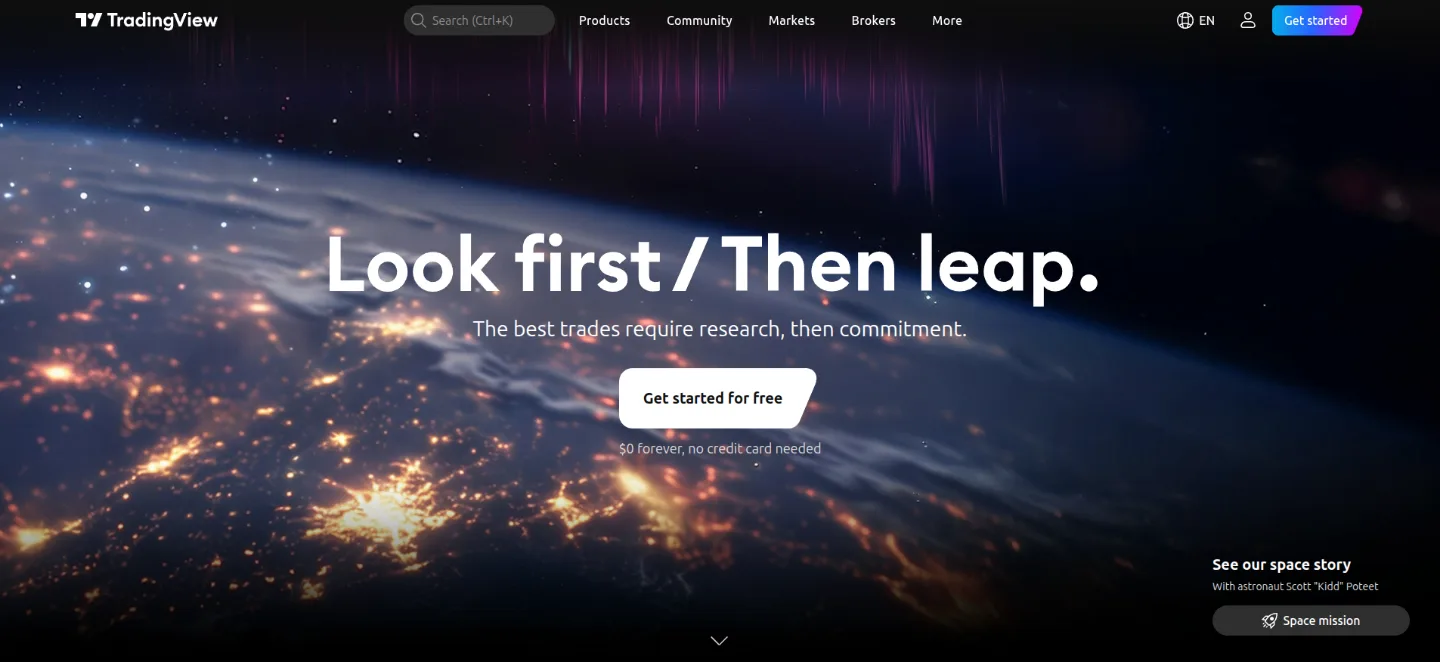
Overview
TradingView is the most widely used charting platform on the web, pairing professional-grade price charts with a huge social network of traders. It runs entirely in the browser, covers stocks, crypto, forex, futures and indices, and has become such a standard that many brokers and exchanges embed its charts directly into their own platforms.
Its real strength is breadth without clutter: hundreds of built-in indicators, a custom scripting language (Pine Script) for building your own studies and strategies, multi-chart layouts, and flexible alerts that can fire on price, an indicator or a trendline. The free tier covers most of what a beginner needs, while paid plans add more indicators and alerts per chart, extra layouts and faster data.
Best for
- Charting every asset class from one clean interface
- Setting price and indicator alerts delivered by app, email or SMS
- Building and back-testing custom indicators with Pine Script
- Following and publishing trade ideas within a large community
Key facts
- Category: Stocks, Crypto
- Group: Charting & Technical Analysis
- Website: tradingview.com
- Listed on: Market Hub
Frequently asked questions
Is TradingView free?
Yes. The free plan includes full charting, a large indicator library and basic alerts. Paid tiers mainly add more indicators and alerts per chart, extra saved layouts and faster, second-based data.
Can I place trades from TradingView?
You can connect supported brokers and exchanges to trade directly from the chart, but TradingView itself is a charting and analysis platform rather than a broker.
Does TradingView cover both crypto and stocks?
Yes — it spans stocks, crypto, forex, futures, bonds and indices, with data drawn from hundreds of global exchanges.